
Bugsink

What is Bugsink?
Bugsink offers error tracking for your applications with full control through self-hosting.
Screenshots
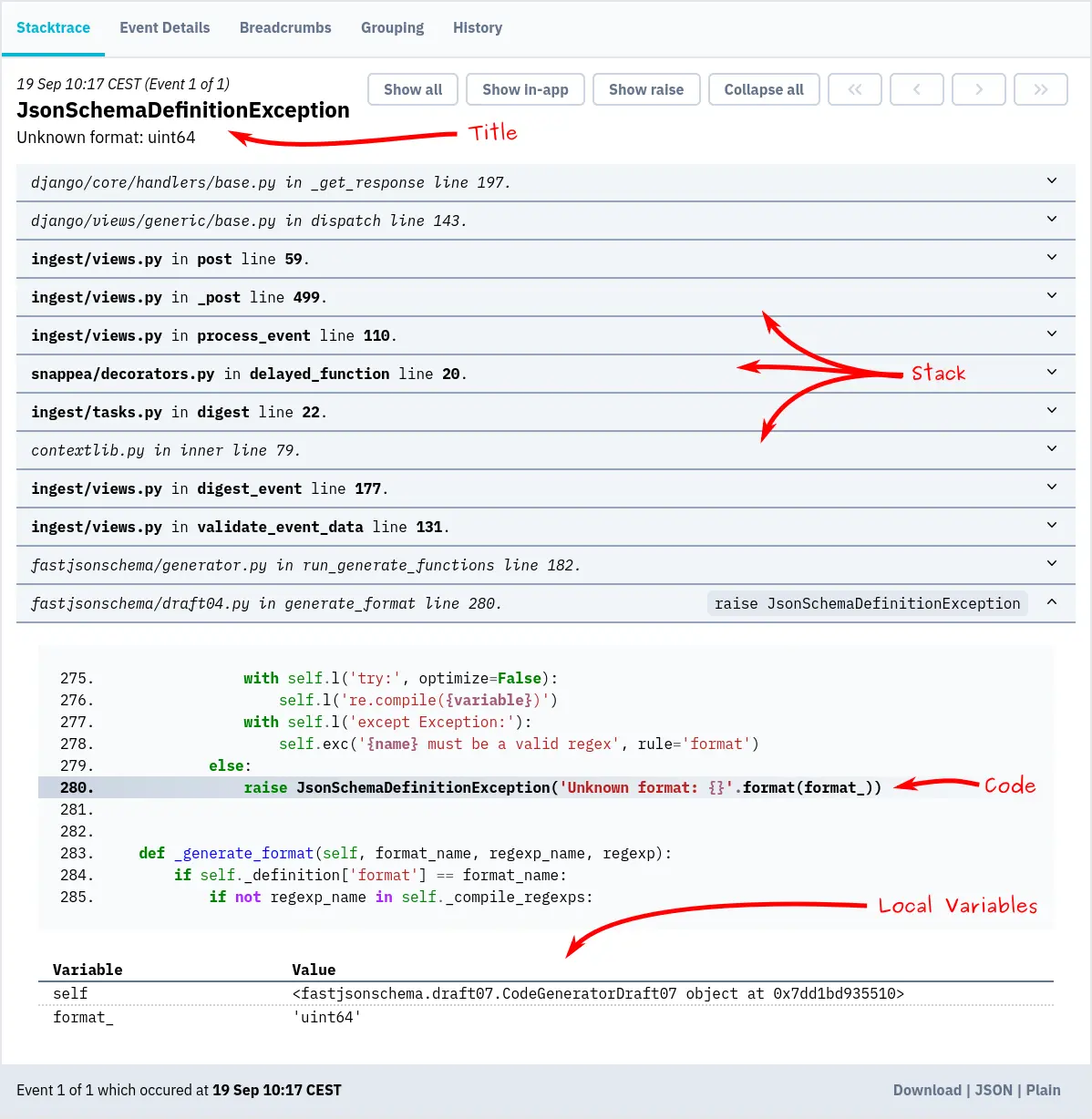
Database
Since Coolify v4.7.0, a new Bugsink service uses Bugsink 2 with a PostgreSQL 17 database.
Stop the disk growth of an existing MySQL service
An older Bugsink service uses MySQL. MySQL writes binary logs that can fill the disk until Bugsink stops. To stop this:
-
Open the Terminal of the service, select the
mysqlcontainer, and connect to MySQL as root withmysql -u root -p. The root password is in Environment Variables. -
Delete the existing binary logs:
PURGE BINARY LOGS BEFORE NOW(); -
Open Configuration > General > Edit Compose File and add this line to the
mysqlservice:command: ['--disable-log-bin'] -
Save the Compose file and restart the service.
The service continues to use MySQL. Coolify does not move the data to PostgreSQL.