
What is Outline?
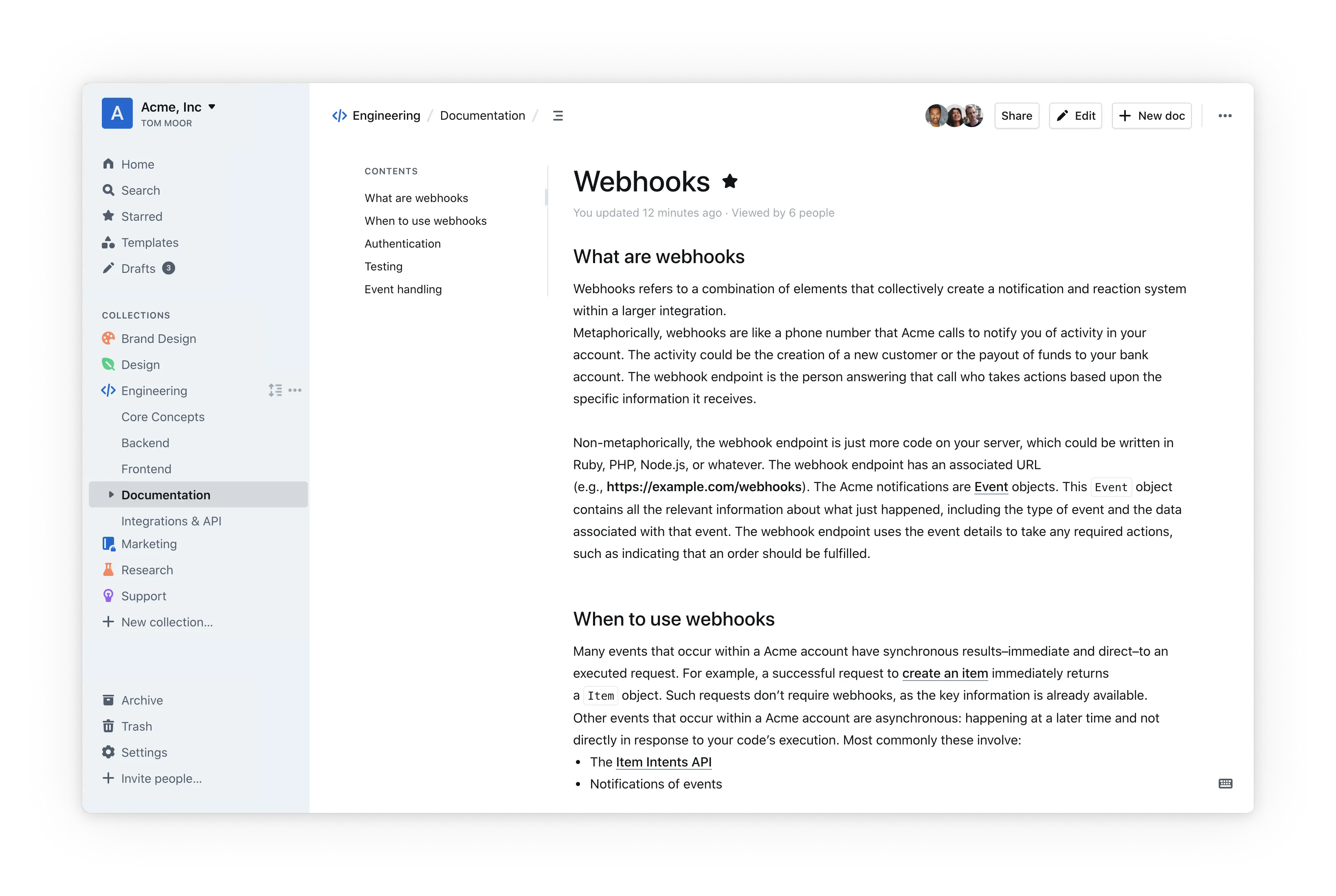
Outline is an open-source collaboration tool that allows you to create and share documents with your team.
Upgrade PostgreSQL 12 of an existing service
Since Coolify v4.7.0, a new Outline service uses PostgreSQL 16. An older service keeps postgres:12-alpine. Current Outline versions do not start on PostgreSQL 12: the outline container restarts in a loop with syntax error at or near "TRIGGER".
Coolify does not upgrade the database for you. PostgreSQL 16 cannot read the data directory of PostgreSQL 12, so move the data with a dump and a restore. These steps keep the old volume, so you can go back to it if a step fails.
Run the commands on the server of the service, as a user that can run docker. Replace <uuid> with the UUID of the service: it is in the URL of the service page in Coolify, after /service/. The container names are postgres-<uuid> and outline-<uuid>.
Dump the PostgreSQL 12 database
docker exec postgres-<uuid> sh -c 'pg_dump -U "$POSTGRES_USER" -d "$POSTGRES_DB"' > outline-pg12.sqlMake sure that outline-pg12.sql is not empty and ends with PostgreSQL database dump complete:
tail -n 3 outline-pg12.sqlChange the database image and volume
-
In Coolify, stop the service.
-
Open Configuration > General > Edit Compose File.
-
In the
postgresservice, change the image topostgres:16-alpine, and give the data volume a new name, for exampledatabase-data-16:postgres: image: postgres:16-alpine volumes: - database-data-16:/var/lib/postgresql/data -
Save the Compose file and start the service.
PostgreSQL 16 creates an empty database in the new volume, with the same user and password. The old volume <uuid>_database-data stays on the server and keeps the PostgreSQL 12 data.
Restore the dump
Outline creates its tables in the empty database when it starts. Stop Outline and create the database again, so that the dump goes into an empty database:
docker stop outline-<uuid>
docker exec postgres-<uuid> sh -c 'dropdb -U "$POSTGRES_USER" "$POSTGRES_DB" && createdb -U "$POSTGRES_USER" "$POSTGRES_DB"'
docker exec -i postgres-<uuid> sh -c 'psql -v ON_ERROR_STOP=1 -U "$POSTGRES_USER" -d "$POSTGRES_DB"' < outline-pg12.sql
Restart and verify
- In Coolify, restart the service.
- Sign in to Outline and make sure that your documents are there.
After you verify the data, you can delete the old volume with docker volume rm <uuid>_database-data and delete outline-pg12.sql.
If a step fails, stop the service, set the image back to postgres:12-alpine and the volume back to database-data, and start the service again.