What is Litellm?
LiteLLM is an open-source LLM Gateway to manage authentication, loadbalancing, and spend tracking across 100+ LLMs. All in the OpenAI format.
Credentials
Coolify generates these values when you create the service:
- Admin UI login: use the values of
SERVICE_USER_UIandSERVICE_PASSWORD_UI. - Master key (admin API key): use
sk-followed by the value ofSERVICE_PASSWORD_MASTERKEY. LiteLLM accepts a master key only when it starts withsk-. - Salt key:
LITELLM_SALT_KEYgets the value ofSERVICE_PASSWORD_SALTKEY. LiteLLM uses it to encrypt the model credentials that it stores in the database. Do not change it after you add a model, because LiteLLM cannot read the stored credentials after a change.
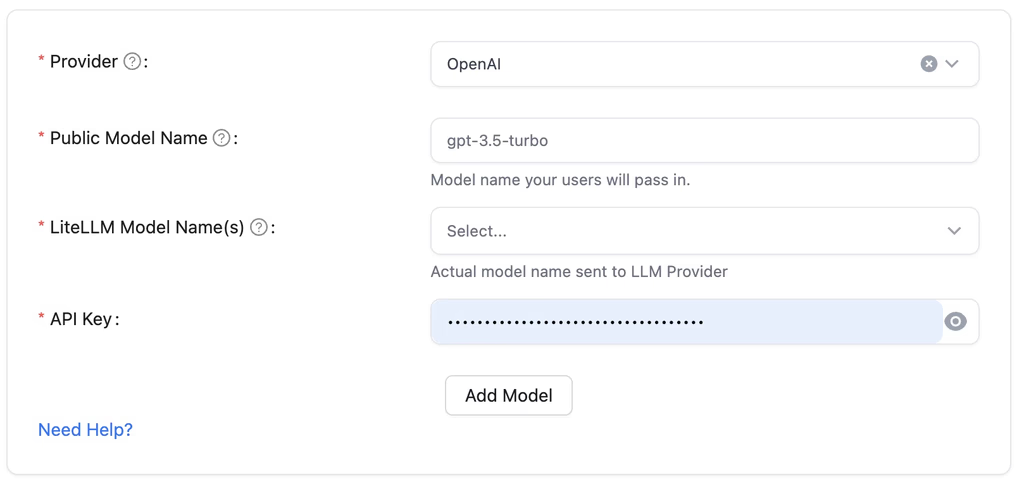
STORE_MODEL_IN_DB is True by default, so you can add and edit models in the LiteLLM UI.
Services created before this fix
Services that you created before this change use the master key without the sk- prefix, and use the master key as the salt key. To fix such a service, set LITELLM_SALT_KEY to the current master key, then add the sk- prefix to the master key. If you set a new salt key, add the stored models again.
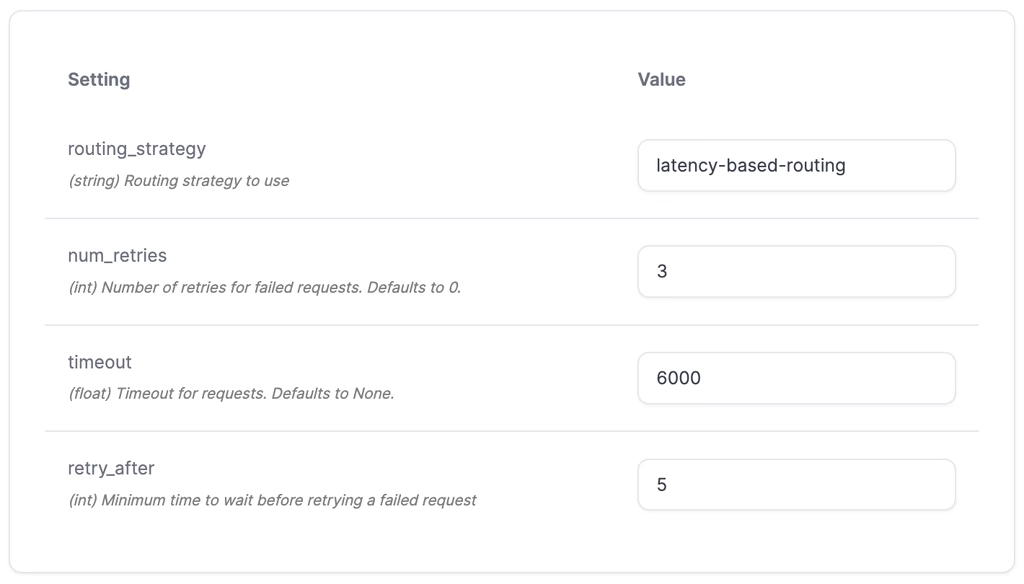
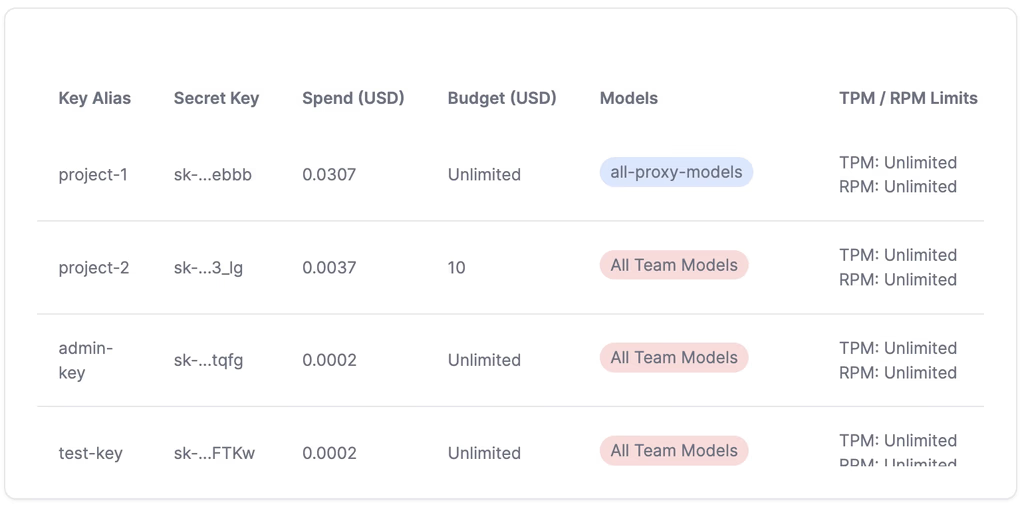
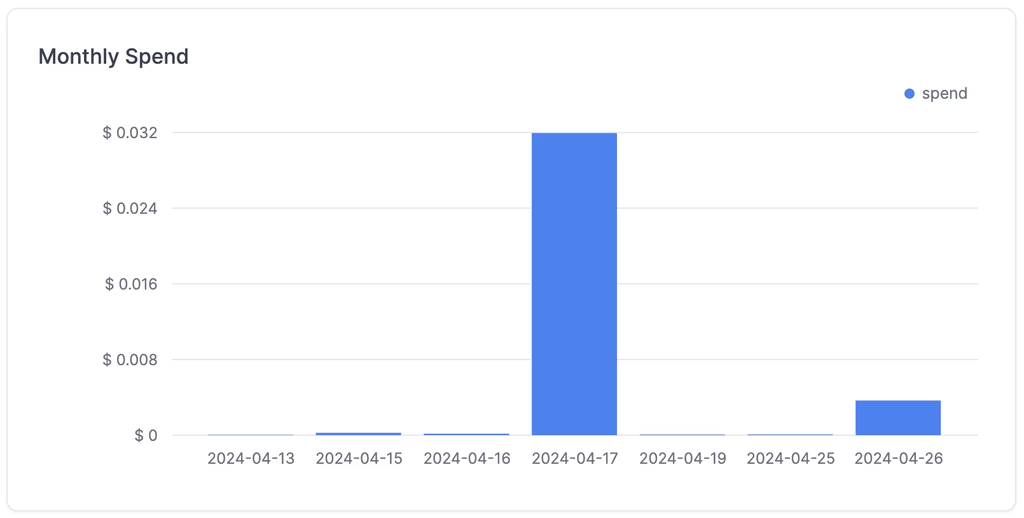
Screenshots