
Pocket ID
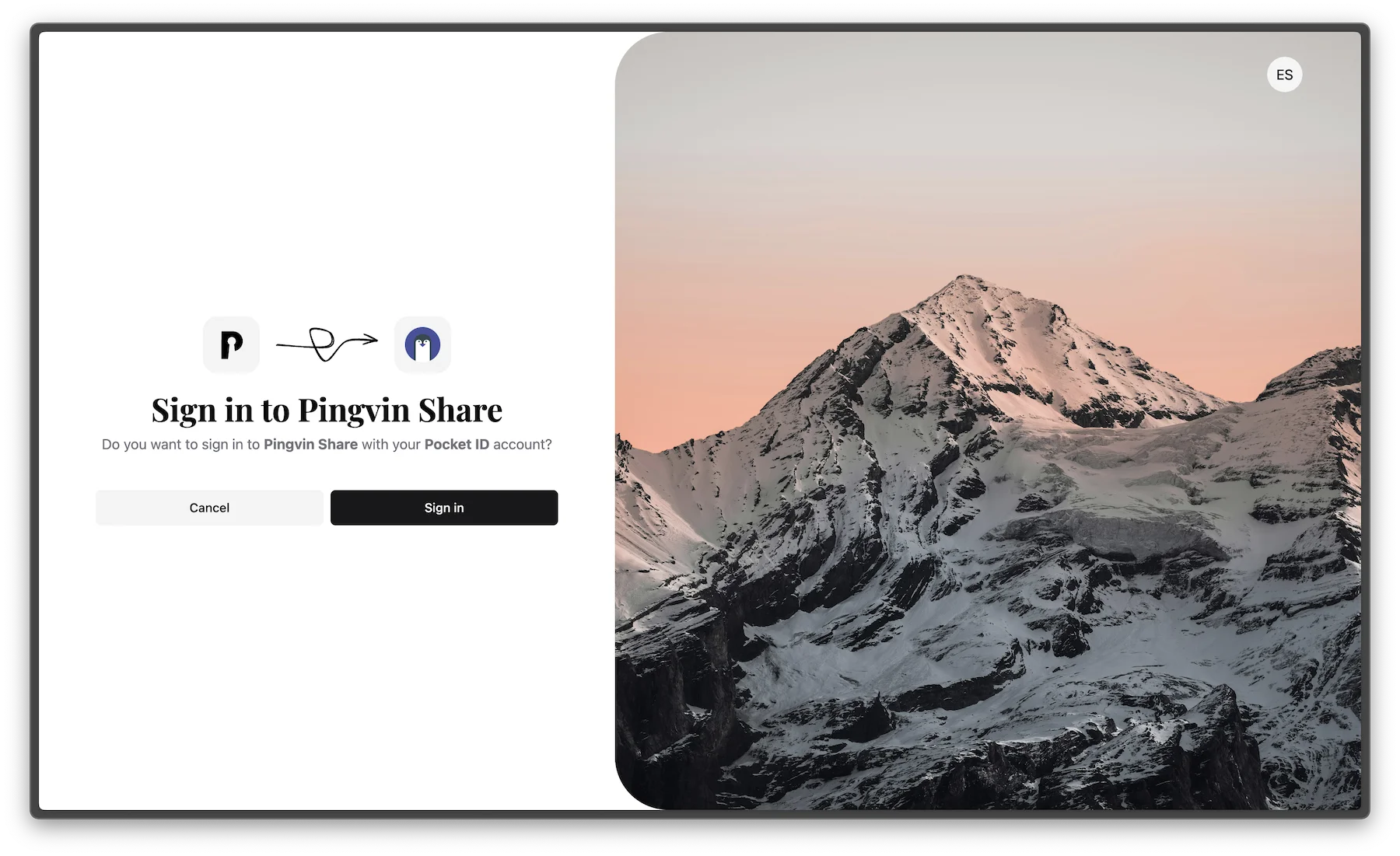
What is Pocket ID?
Pocket ID is a simple OIDC provider for passwordless authentication using passkeys. It's designed to be straightforward and easy-to-use. It exclusively supports passkey authentication, allowing you to use hardware security keys like Yubikey for secure sign-ins across your self-hosted services.
Deployment Variants
Pocket ID is available in two deployment configurations in Coolify:
Pocket ID (Default)
- Database: SQLite (embedded)
- Use case: Simple deployments, testing, or personal authentication server
- Components: Single Pocket ID container with built-in SQLite database
Pocket ID with PostgreSQL
- Database: PostgreSQL
- Use case: Production deployments requiring better performance and data reliability
- Components:
- Pocket ID container
- PostgreSQL container
- Automatic database configuration and health checks
Features
- Passwordless Authentication: Uses passkeys instead of passwords for better security
- OIDC Provider: Integrates with applications that support OpenID Connect
- Simple Setup: Easy to install and configure compared to complex alternatives
- Wide Compatibility: Works with various services like Nextcloud, GitLab, and more
- Passkey Support: Full support for hardware security keys like Yubikey
- Self-Hosted: Maintain complete control over your authentication infrastructure
Getting Started
Once deployed, you can sign in with the admin account at:
https://<your-app-url>/setupFollow the Pocket ID setup wizard to configure your instance and create your first passkey.
Demo
To see Pocket ID in action, visit the live demo.
Note
This demo is not affiliated with Coolify.